Never lose a lead again.
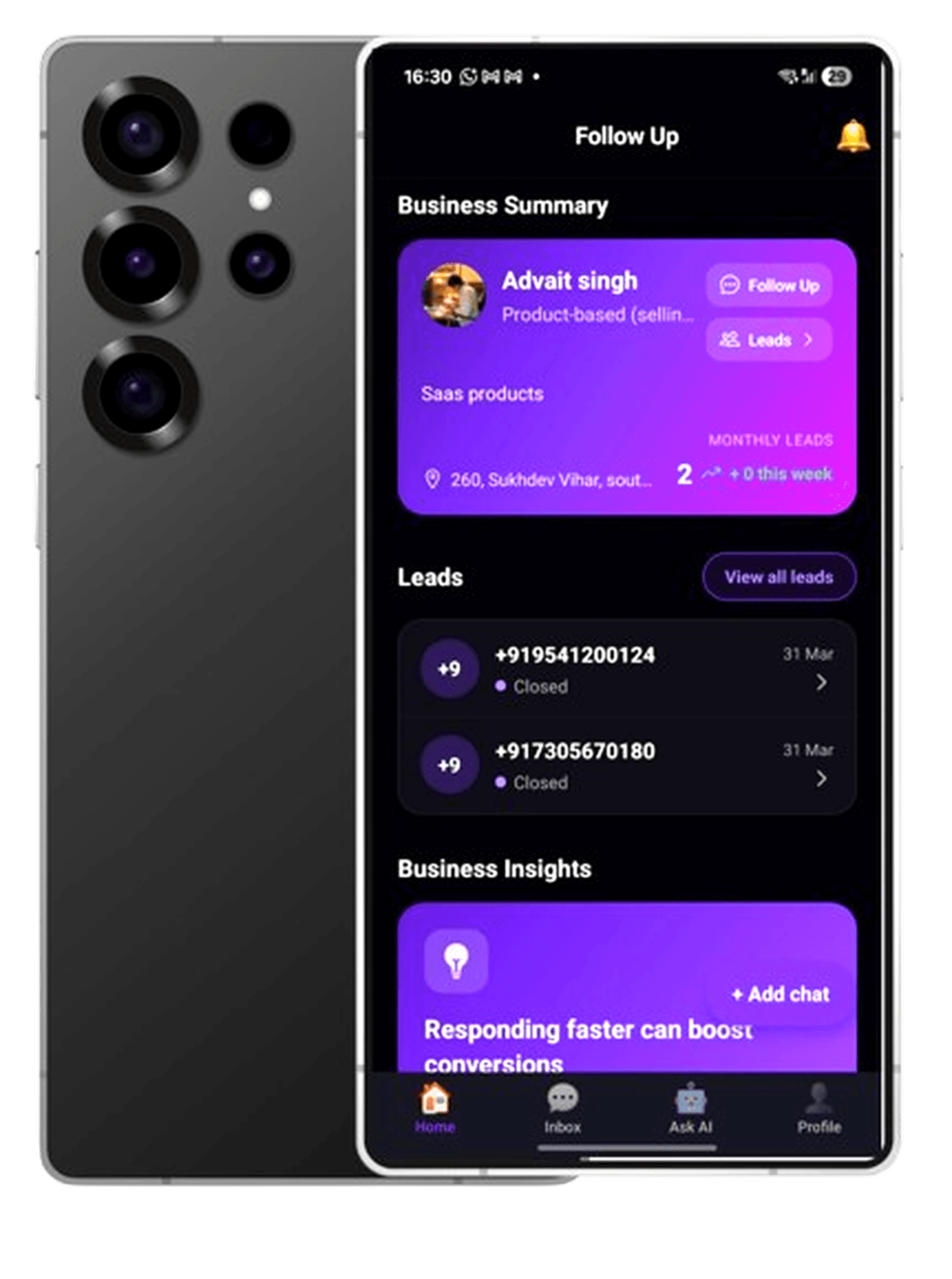
Automated follow-ups
Sequences across WhatsApp and email keep every lead warm — without retyping the same message.
Smart reminders
Know who needs a nudge before the moment passes — not after.
Lead tracking
One clear view from new to won, without spreadsheet chaos.
Multi-channel messaging
Meet leads where they already are — WhatsApp, email, and more.
Why leads slip away
The cost of slow follow-up
Leads go cold when the next message doesn’t go out on time.
Manual follow-ups don’t scale when volume picks up.
Good deals die in the gap between intent and your next reply.
How FollowUp works
Capture · Automate · Convert
1. Capture leads from the channels you already use.
2. Automate follow-ups on WhatsApp and email.
3. Convert while intent is still high.
Teams that live in chats
Agencies · Cafes · Real estate · Service businesses
Everything you need to protect your pipeline
A focused toolkit: automate outreach, stay on top of every lead, and keep conversations in one place — without enterprise complexity.
Automated follow-ups
Personal-feeling sequences without living in your inbox all day.
Smart reminders
Surface who needs attention before it’s too late.
Lead tracking
Status from first touch to won, at a glance.
Multi-channel messaging
WhatsApp, email, and more — where your buyers already are.
Built for teams that can’t afford silent leads
Priya K.
Retail owner
Marcus T.
Service business
Ana R.
Small agency
Simple plans for serious pipeline
Free Plan
Pro Plan
₹399 / month
or ₹3,999 / year
Frequently asked questions
- What does FollowUp do?
- It automatically follows up with your leads on WhatsApp and email until they convert — so you close more deals without manually chasing every thread.
- Who is it for?
- Agencies, local businesses (cafes, salons, real estate, services), and any team that sells or supports over chat.
- Do I need a big stack to use it?
- No. It’s built to be simple: capture leads, automate follow-ups, and track status without spreadsheet chaos.
- How do I get started?
- Book a demo — we’ll walk you through the workflow and tailor it to your business.